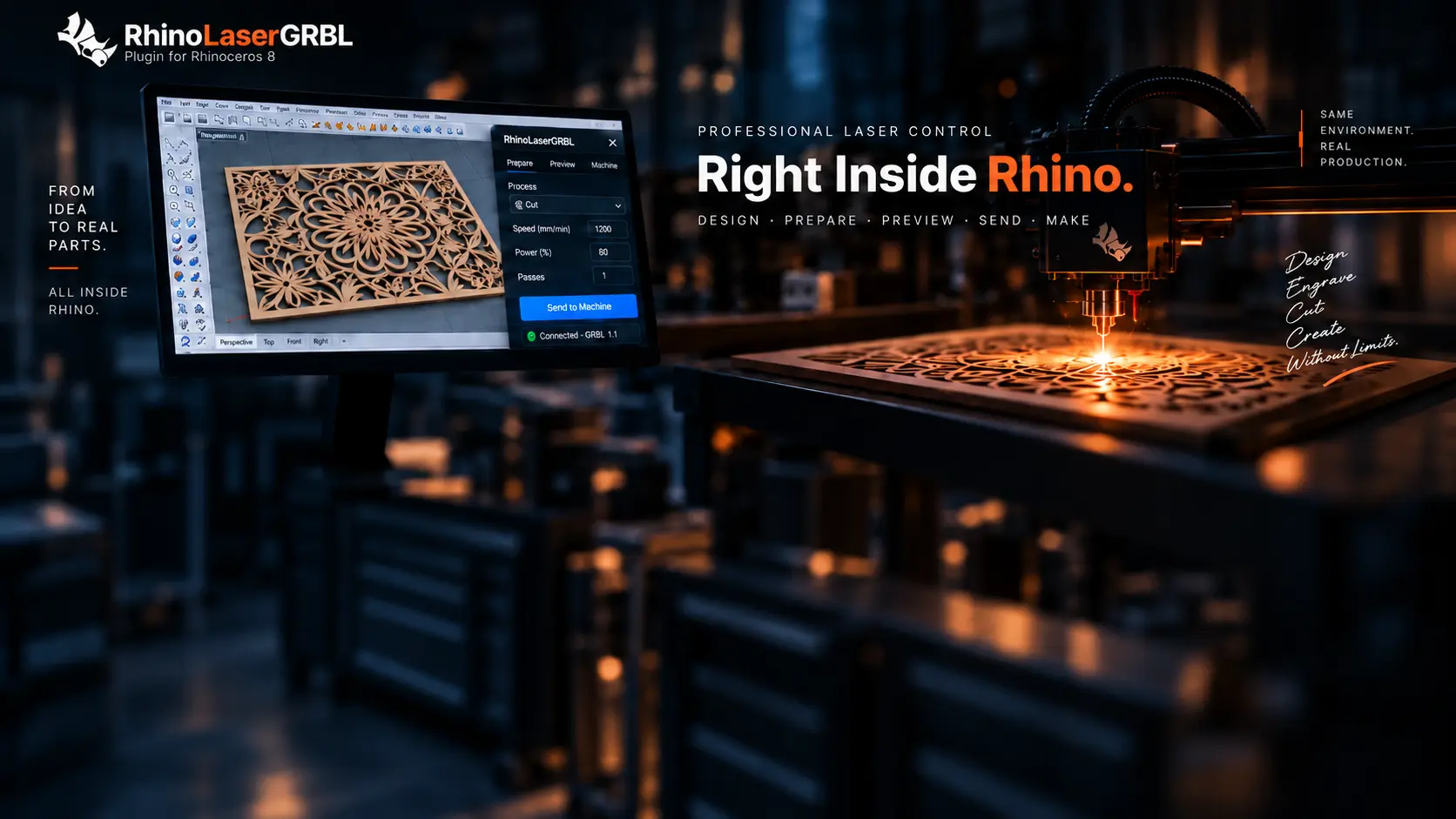
Rhino 8 connected to a professional laser machine

RHINO 8 → GRBL LASER

Professional Laser Control
Right Inside Rhino.

RhinoLaserGRBL connects Rhino 8 geometry directly to GRBL-compatible laser machines. Prepare, preview, frame and execute jobs without leaving Rhino.

DesignPreparePreviewFrameSendMake
THE RHINO-NATIVE WORKFLOWRhino → RhinoLaserGRBL → Machine
Vector CuttingRhino curves direct to laser
Line EngravingSurface marking and drawing
Filled EngravingClosed-curve hatch processing
Raster ImagesPNG, JPG and BMP
Material TestsPower × speed generator
Toolpath PreviewVerify before execution
Live PositionHead position in viewport
Direct StreamingSend G-code to GRBL
Download the 15-day full trialComplete ZIP · Plugin, Quick Start, User Manual, Safety and Compatibility.
Complete ZIP

SIMPLE, PERPETUAL LICENSING

Choose how you work.

Every paid license keeps working indefinitely. One year of updates is included; renewal is optional.

FULL FEATURE TRIAL

Free Trial

15 DAYSFREE
  • All features enabled
  • Machine connection
  • Cut, engrave, raster and tests
  • License file not required
Download Trial ZIP
UP TO 5 COMPUTERS

Studio

PERPETUAL LICENSE
  • 1 year of updates
  • Optional updates
  • Multiple activations
  • Priority support
10+ COMPUTERS

Business

CUSTOM LICENSING

Starting price for companies, laboratories, universities and production environments. Final pricing depends on deployment size.

MACHINE / CONNECTIVITY

Connect Rhino
to Your Laser.

Built-in machine communication and G-code streaming operate supported controllers directly from Rhino 8.

GRBL 1.1TESTED & SUPPORTED
GRBL-compatibleSUPPORTED
grblHAL / FluidNCARCHITECTURE PREPARED
Ruida / TrocenNOT CURRENTLY SUPPORTED
LIVE MACHINE CONTROLCONNECTED · IDLE
ACTIVE COM PORTCOM4 · GRBL 1.1 · 115200X 125.40  Y 88.20  Z 0.00
WORKSPACE400 × 400 mmCONTROLLERAuto-detectedBUFFERRX 128 · Planner 15

DOCUMENTATION · VERSION 1.0.1

Start safely.
Keep making.

Read online or download the official guides. The complete package includes all four PDFs and the Rhino 8 installer.

Read before operatingLaser machines can cause fire, burns, eye injury and toxic fumes. The software does not replace physical safety systems or trained supervision.
01 · 3 PAGES

Quick Start Guide

Install, configure a machine profile and complete the first safe FRAME and SEND workflow.

02 · 10 PAGES

User Manual

Complete reference for installation, licensing, processes, machine control and troubleshooting.

03 · 2 PAGES

Safety Guide

Required precautions, preflight checks, reference recovery and emergency-control behavior.

04 · 2 PAGES

Compatibility Guide

Supported platforms, GRBL controller families, detection behavior and current limitations.

LICENSE REQUEST

Ready to keep making?

Select a plan and send the request. Checkout can be connected to an external payment provider without storing card details here.

Your project remains local. Rhino geometry, G-code, raster images and executed jobs are not uploaded for licensing.

CONTACT / SUPPORT

Talk to the product team.

Questions about compatibility, installation, licensing or a technical issue?

grbl@rhinolasergrbl.osbase.com.br
For faster technical supportInclude your Rhino version, controller/firmware and a clear description. Screenshots or logs are useful.

Swipe or use arrows to explore